My Profile
The My Profile menu item allows you to update your profile details or update your password. You can find it by clicking your name in the top right, and selecting My Profile.
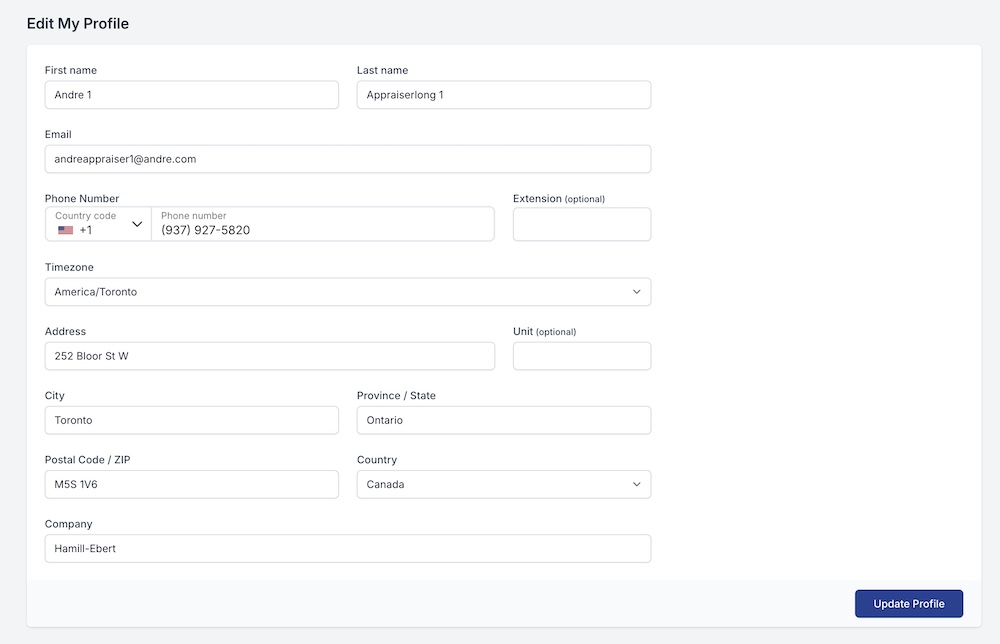
Edit Profile
Update any of your profile details here including your first name, last name or email address.
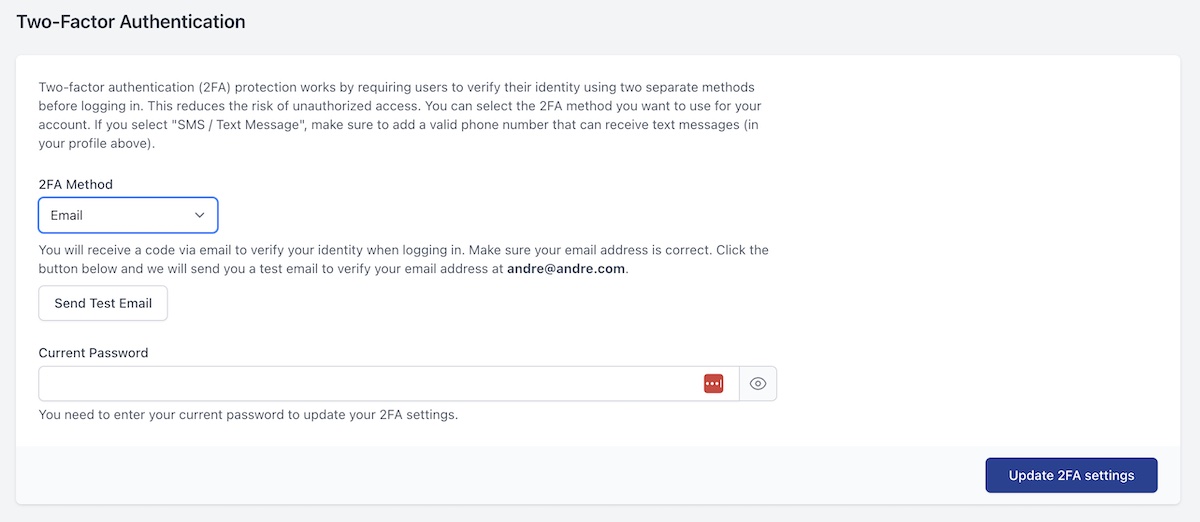
Two-Factor Authentication
For added security, you can turn on two-factor authentication. This will require users to enter an additional code via email or text message.
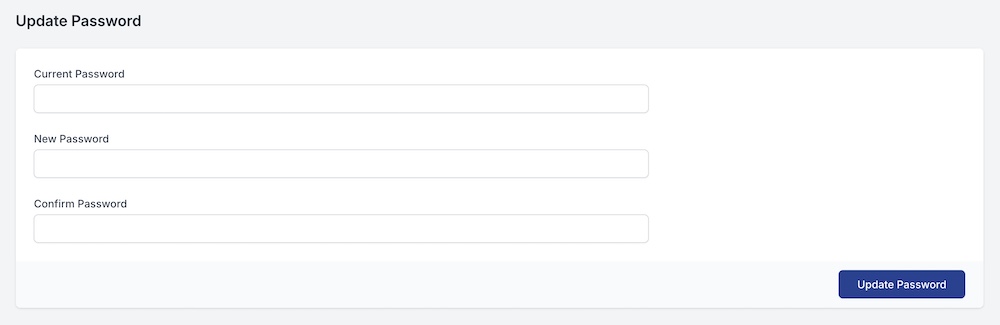
Update Password
If you need to change your password, you can do it here. When first logging in, it is highly recommended to update your password from the original one that the admin used to create your account.